
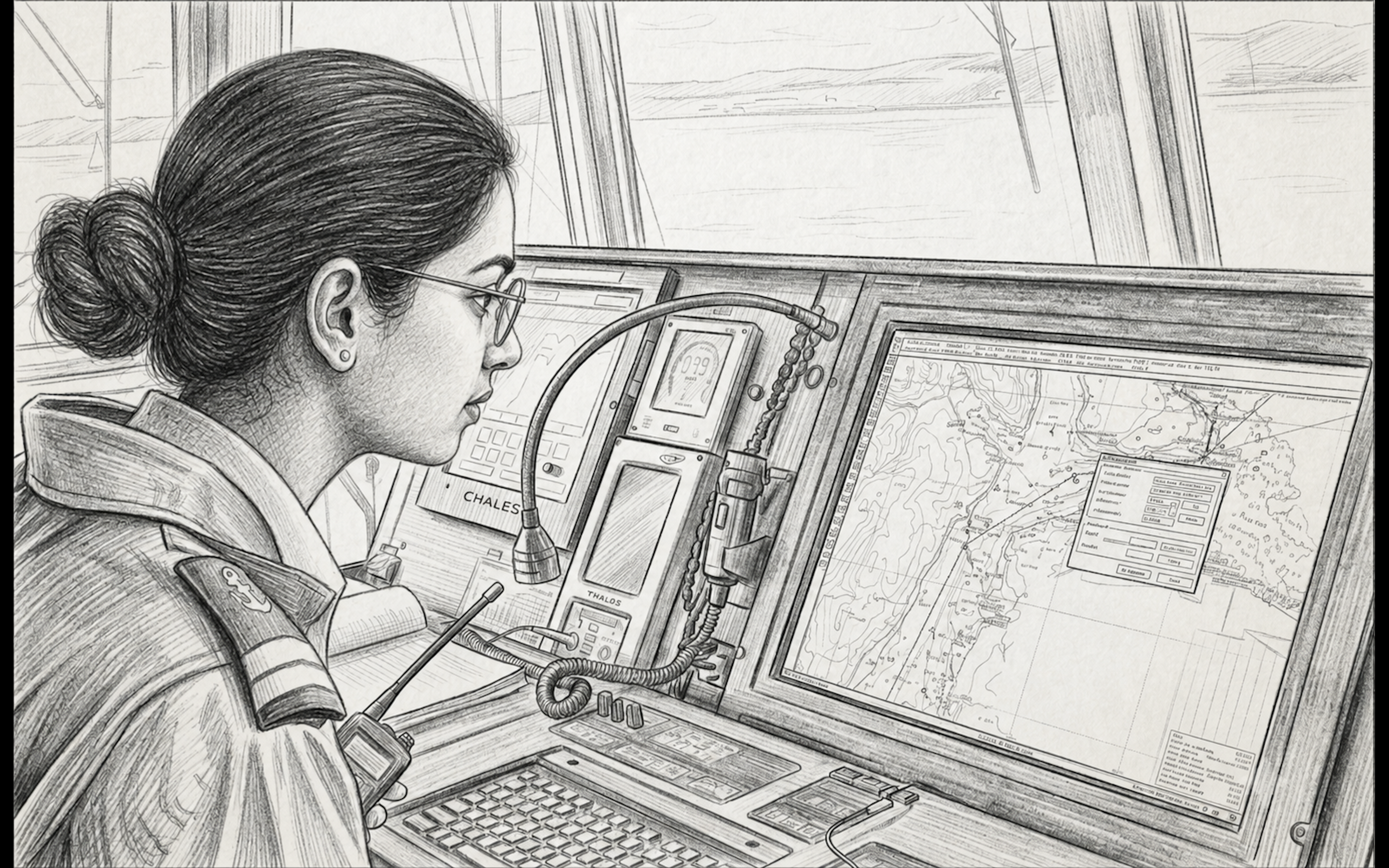
ECDIS may be updated, but the correction picture can still be unclear. AIO, EP polygons, No Overlay and date-dependent corrections expose the gap between updating and understanding.
During audits, vessel visits, and my own time sailing as Master, I have noticed a repeated gap while speaking with second officers responsible for passage planning.
There are always exceptions. Some officers understand the system clearly and can explain it without hesitation. But across many bridges, the pattern is familiar. The navigating officer knows how to run the weekly update, load permits, and verify that the AVCS update report is green and error-free. They know how to toggle the ADMIRALTY Information Overlay (AIO) on and off, and they can correctly explain its purpose.
But the understanding often weakens at the next question:
- Why is there no AIO information on this particular ENC?
- Is the temporary information already included in the ENC?
- Is this producer handling T&P information differently?
- How are paper T&P corrections that are not encoded in the ENC or shown in AIO being managed for this passage?
- Are there any EP notices affecting the route, and has anyone actually opened and assessed them?
- Are there any date-dependent corrections that become active during the voyage window?
This is where the practical gap sits. Many SMS procedures simply require that the ECDIS be kept upto date, leaving the operational interpretation of that data entirely to the vessel. The navigating officer completes the weekly update, confirms a clean sync report, and treats the chart as corrected.
This is the same gap between certificate and competence discussed in ECDIS Certification Is Not the Same as ECDIS Competence, where completion is recorded but comprehension is often assumed.
Technically, the update process is a success. Operationally, the correction picture is often not fully understood.
From Pencil Marks to Pick Reports
On paper charts, T&P corrections had physical visibility. They were marked in pencil directly on the chart, logged, and maintained through a dedicated correction record. The system was manual, but the audit trail was visually inseparable from the chart itself.
ECDIS has completely altered this relationship by hiding a correction’s source, status, and date validity behind pick reports and query menus. As the UKHO warns, what actually appears on the screen depends on a wide range of variables, from loaded cells and display scales to user safety settings and how the manufacturer implements the IHO Presentation Library.
Some junior officers frequently treat a clean screen as visual truth, forgetting that they must actively interrogate the system to uncover the operational and chronological reality of the water they are transiting.

The same display-management problem appears in SCAMIN in ECDIS: Why Always Off vs Phase-Based Still Divides Navigators, where chart clarity and chart completeness do not always sit comfortably together.
Where AIO Actually Applies
ADMIRALTY Information Overlay, is frequently misunderstood because it arrives packaged within the weekly AVCS update. A clean update report leads navigators to assume their correction picture is complete. That assumption needs caution..
AIO is an additional overlay. It displays ADMIRALTY T&P Notices issued for paper charts in areas where the ENC producer does not include that temporary information in the ENC. The official ENC remains the primary source for navigation.
This distinction matters as the AIO is not a universal T&P layer for all ENCs. It does not show every temporary or preliminary notice everywhere. If the ENC producer already includes temporary information in the ENC, AIO remains silent to avoid duplication.
The practical answer is not guesswork. UKHO publishes a producer-by-producer status table showing whether Temporary and Preliminary information is included in ENCs, and whether ADMIRALTY paper-chart T&Ps are supplied through AIO when they are not included in the local ENC.

The absence of an AIO object or polygon is not proof that no temporary information exists:
- It may already be encoded in the ENC.
- It may be handled differently by that specific ENC producer.
- It may be in a No Overlay area.
- It may require checking another appropriate source, such as local or national Notices to Mariners, depending on the area and company procedure.
On ECDIS, the absence of an overlay is not the same as the absence of a correction.
Reading this as a maritime insider, seafarer, or enthusiast?
Subscribe to The DeepDraft for maritime analysis, daily SITREP updates, weekly briefings, and operational signals worth watching.
The Route-Check Blindspot
There is a practical AIO hazard that often appears during audits and inspections. The ECDIS automatic route-check function does not scan the AIO layer.
When a navigating officer runs a Route Check or Safety Check, the ECDIS assesses the underlying ENC data according to the system settings and loaded chart information. AIO is an overlay layer and must be visually checked unless the specific ECDIS and company procedure clearly confirm otherwise.
If a newly reported hazard, shallow patch, or temporary obstruction is represented only as an AIO object, the automatic route check will return a clean “Pass.” Relying solely on the automated check creates false confidence. A manual visual inspection of the route corridor with AIO active remains essential.

The No Overlay Trap
No Overlay needs to be understood because it is often mistaken for a clear chart. Where AIO does not provide ADMIRALTY T&P information at the visible scale, the area is shown as “No Overlay”. This does not mean there is no temporary information; it simply means AIO is not giving the bridge team a layer in that specific region.
If the native ENC producer also excludes T&P data, then this can create a temporary information gap. To bridge this gap, the OOW must check the producer policy and other appropriate sources. In No Overlay areas, that may include NAVTEX, NAVAREA warnings, local Notices to Mariners, and port information. Any route-relevant hazard must then be managed through the passage plan, user chart, or company-approved ECDIS annotation.
AIO is not a global guarantee. No Overlay means the bridge team must verify the source of temporary information, not assume the area is clear.

Where the Correction Actually Sits
The UKHO’s T&P status table confirms that not all ENC producers handle things the same way. Some include both, some do not, some are case-by-case, and some are marked as “not known” or “not applicable”. A vessel trading internationally cannot rely on a single, blanket rule.

AIO On or Off?
AIO is not a “set-and-forget” toggle, leaving it permanently active clutters the screen in congested waters, while leaving it off blinds the bridge team. The solution is phase-based control.
The Operational Cycle
- 1. Planning Phase (AIO ON): Scan the route’s safety corridor and interrogate every active AIO polygon. Keeping AIO on all the time will only lead to cluttering during execution during the passage.
- 2. Transfer & Document: Manually plot relevant hazards onto your ECDIS user map layer (using user charts, caution areas, or notes). Recording this check in the passage plan creates a clear passage planning trail.
- 3. Monitoring Phase (AIO OFF/SELECTIVE): Keep the display clear in high-traffic areas by turning AIO off and relying on your clean, transferred user map annotations. Toggle AIO on selectively in open water or during watch handovers to maintain situational awareness.
The Weekly Rule: This is not a one-time exercise. Because updates arrive weekly, the navigating officer must re-check AIO after every weekly update cycle, scanning the remaining voyage legs for newly issued hazards and transferring them to the active plan.

EP Polygons Are Review Triggers
ENC Preliminary (EP) notices highlight navigationally significant discrepancies between ENCs and ADMIRALTY paper charts. Displayed as hatched polygons (e.g., 33644(EP)/26), they easily become background noise in congested waters.
Basically, the polygon on your screen is not the correction itself. It is merely a visual warning telling you to open the ECDIS Pick Report and assess the text.
The EP Workflow
- 1. Assess the Corridor: EPs outside the safety corridor may require no action beyond recording, depending on company procedure.
- 2. Log & Plot: If the discrepancy affects the passage, document it in the passage plan and display it via user overlays.
- 3. Enforce Cancellation Discipline: Check active EPs against every weekly update. The moment an EP is cleared from the AIO dataset, promptly delete your corresponding user-map annotation to prevent obsolete data from lingering on your display.

Date-Dependent Corrections
Date-dependent corrections are one of the least understood parts of ENC use.
Some ENC producers encode future changes using date attributes. A new Traffic Separation Scheme (TSS), a changed routeing measure, or a new restricted area may be placed in the ENC before it becomes active. This is done using Date Start (DATSTA) for new features and Date End (DATEND) for features being withdrawn.
However, this implementation is not universal. The UKHO notes that temporary information in ENCs may be shown by DATSTA/DATEND, by text description, or simply by issuing an ENC update when the change becomes effective and another update when it expires.
Furthermore, ECDIS behaviour varies by manufacturer, model, software version, and settings-
- Strict Date Filters: Some systems show only the features valid on the user-selected display date. If a TSS takes effect tomorrow, it may not be visible today unless the officer advances the system’s viewing date.
- Dual Displays: Other systems display both current and future layouts simultaneously, creating a confusing “double-chart” layout on screen that can easily confuse a bridge team during pilotage.

The officer must know exactly how their specific ECDIS behaves. This must be checked during passage planning, not discovered in the middle of a transit. During planning, identify whether the voyage window crosses any future effective dates, wind farm areas, or TSS changes. Advance the viewing date to preview the exact chart state that will exist when the vessel actually transits the area.
ECDIS Correction Picture Diagnostic
Use after weekly AVCS/AIO updates, before sailing, and whenever the passage plan is amended. The aim is not only to confirm that ECDIS is updated, but to confirm that the correction picture is understood.
Status: Not Yet Assessed
Answer the diagnostic questions below. Required actions will be generated automatically.
1. Producer Policy
For each ENC producer, chart area and usage band on this route, where is T&P information expected to appear?
2. AIO Corridor Review
Has AIO been switched on and checked visually against the company-defined route safety corridor?
3. No Overlay Areas
Are there any No Overlay areas on the route?
4. EP Polygon Review
Are any EP polygons intersecting the route corridor?
5. Date-Dependent Corrections
Does the voyage window cross any DATSTA or DATEND effective dates?
6. Ship-Managed Information
Are any user chart entries, annotations, or manual plots required for route-relevant information not captured clearly in ENC or AIO?
Required Actions Before Sailing
- Complete the diagnostic above.
This diagnostic supports passage planning discipline. It does not replace company SMS, ECDIS manufacturer instructions, flag State requirements, or official hydrographic guidance.
DeepDraft View
The maritime industry has treated ECDIS correction as a technical update process. Onboard, it is actually an operational interpretation process.
Most officers can update ENCs but the issue is whether they understand what the update changed, where temporary information sits, when it becomes valid, what AIO is actually showing, what EP polygons require, and what remains outside the display.
That same discipline of questioning the electronic picture sits behind GNSS Interference at Sea: Navigating GPS Spoofing in the Strait of Hormuz, where the danger is not loss of data, but misplaced trust in data that still appears stable.
A vessel may be fully updated on paper and still be weak in correction awareness. This vulnerability exposes itself during audits, PSC inspections, vettings, or, in the worst cases, when a vessel stands into a modified TSS with false confidence.
Port State Control expectations have moved far beyond checking the date of the last update. Regulators like AMSA now audit active officer competence, chart settings, and route-checking standards. The standard must move past the tick-box: “ECDIS updated.”
The sharper question is: Does the bridge team actually understand the correction picture?
Media Section
Sources Reviewed
- UKHO, AVCS, AIO and T&P compliance guidance.
- UKHO, Important Information for AVCS Users.
- UKHO, ENC T&P NM Status.
- UKHO, AIO User Guide, EPNMs and AIO operation.
- IMO Resolution MSC.232(82), ECDIS performance standards.
- AMSA Marine Notice 2021/08, ECDIS operation and PSC expectations.



Leave a Reply